10 Best CRM for Prospecting in 2026

Your SDRs already know the pain. One prospect lives in a spreadsheet, another sits in LinkedIn Sales Navigator, a third got a follow-up reminder buried in someone’s inbox, and the CRM still says “new lead” even though three calls and two emails already happened. That’s how teams end up busy without being effective.
A generic CRM doesn’t solve that. It stores records. Prospecting teams need more. They need sequences, task queues, fast list building, simple handoffs, and enough integration depth that reps aren’t copying notes between tools all day. They also need a setup that works with how outbound happens now, across email, phone, and LinkedIn.
That last part matters more than most buying guides admit. A lot of teams run LinkedIn alongside their CRM with tools like Expandi, Dripify, or PhantomBuster. If the CRM doesn’t fit that workflow, reps start exporting CSVs, fields drift out of sync, personalization breaks, and account risk goes up. The result isn’t just messy operations. It’s missed meetings and restricted outreach capacity.
The best crm for prospecting is the one that keeps activity, contact data, and follow-up logic in one place without slowing reps down. For some teams, that’s a full-funnel system with reporting and governance. For others, it’s a lighter sales-first tool with calling built in. And if your team still manages core pipeline work in spreadsheets, it’s worth tightening the process before you buy anything new. These Sales Pipeline Management Best Practices for Excel Users are a good reality check.
Below are the tools I’d shortlist for a prospecting-heavy team in 2026. The focus isn’t flashy feature lists. It’s how each platform handles high-volume, multi-channel outbound in practical use.
1. HubSpot Sales Hub
HubSpot works well when you want prospecting inside a broader revenue system, not as a disconnected SDR tool. Teams that care about sequences, task queues, email sync, meetings, and clean reporting usually get value quickly because the rep workflow is easy to understand.
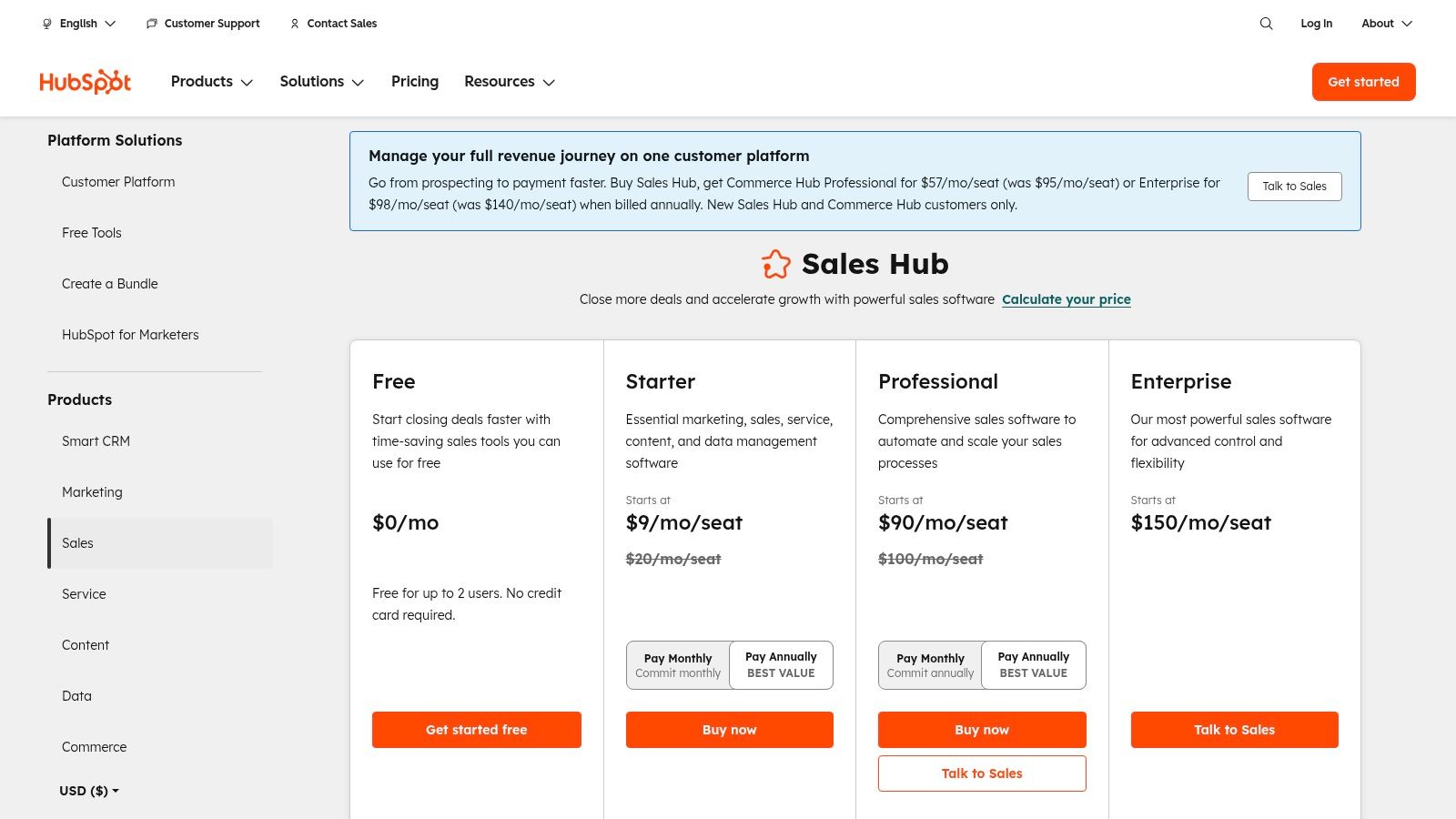
Where HubSpot fits best
HubSpot is strongest for SDR teams that need structure without a long admin project. Lists are easy to build. Sequences are straightforward. Native email, calendar, meetings, and calling reduce context switching. If sales ops also supports marketing or customer success, the broader HubSpot suite becomes a clear advantage.
The native Sales Navigator app is another practical plus. Reps can move between LinkedIn research and CRM execution without treating them as separate worlds.
What works:
- Fast adoption: Reps usually learn the core workflow quickly.
- Solid outbound rhythm: Sequences and task queues make daily prospecting easier to manage.
- Good expansion path: If you later need stronger cross-team reporting or lifecycle visibility, you’re already in the right ecosystem.
The trade-offs
HubSpot gets expensive as you move upmarket. Onboarding fees on higher tiers and add-ons can push the cost above what teams expect. If your company also uses Marketing Hub, contact-based pricing can make budgeting harder than seat-based tools.
For LinkedIn-heavy outbound, HubSpot is a control center, not the automation engine itself. That distinction matters. If your reps use external LinkedIn automation, define the source of truth early. The CRM should own account status, owner, stage, and next step. The automation tool should execute tasks, not become the database.
Practical rule: Don’t let reps personalize from stale exported lists. Sync a clean audience into the CRM first, then push only the required fields into LinkedIn workflows.
Teams exploring safer LinkedIn-led outbound should also understand the operational side of LinkedIn growth hacking.
Direct pricing and plan details are on the HubSpot Sales Hub pricing page.
2. Salesforce Sales Cloud
Salesforce is the answer when the sales process is bigger than a prospecting tool. If you manage multiple territories, layered permissions, complex routing, and strict reporting standards, it’s still the default enterprise choice. Add Sales Engagement, and it becomes a serious outbound operating system.
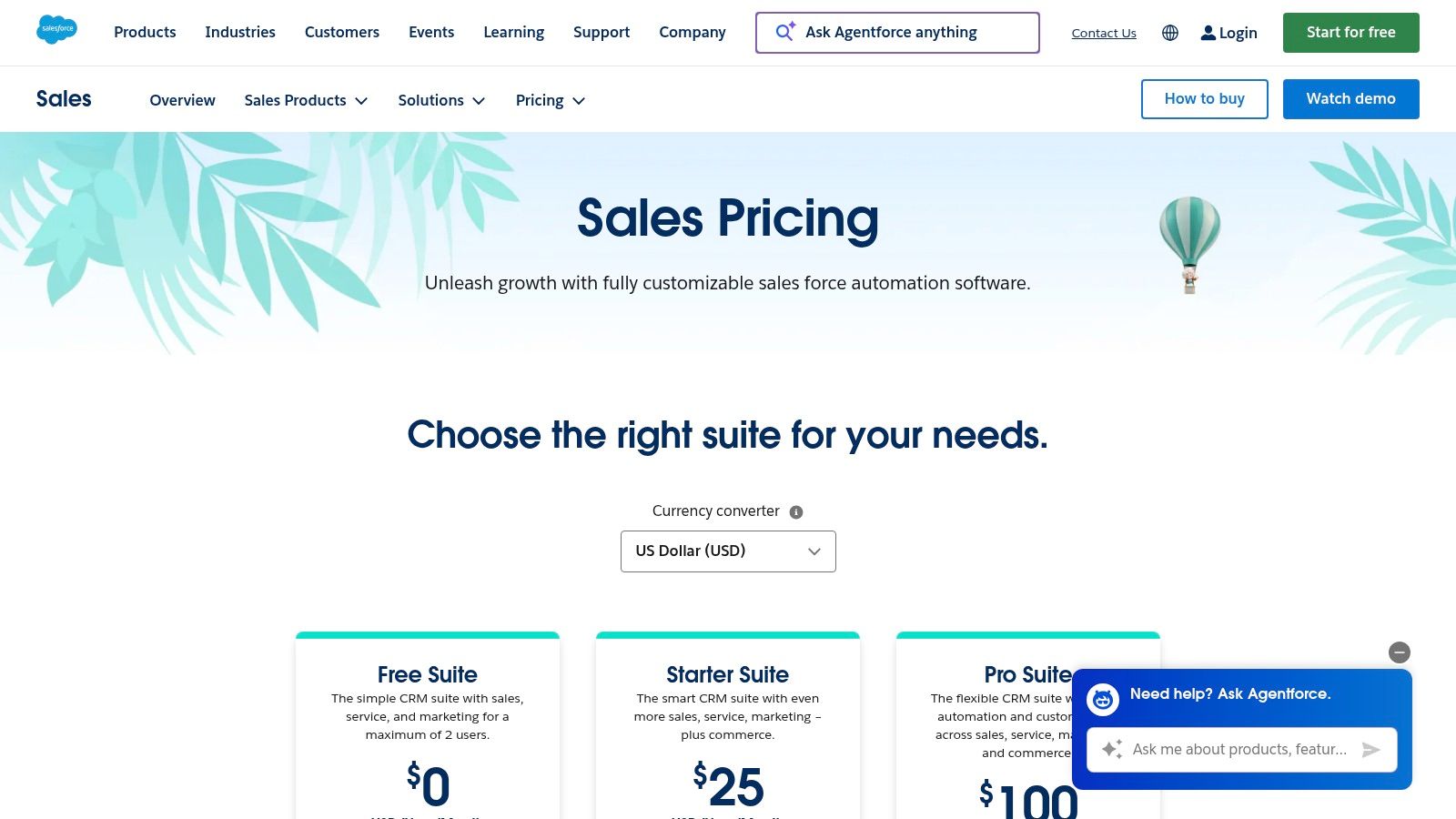
Why large teams still choose it
What Salesforce does better than most tools is control. Lead assignment, account ownership, territory logic, permissions, approval layers, and reporting can all be shaped around how the company sells. For global SDR teams, that matters more than a slick UI.
Sales Engagement adds the prospecting layer most outbound teams need: cadences, templates, dialer workflows, and work queues. If your team already runs a mature RevOps function, Salesforce can handle the scale without forcing process compromises.
A few reasons it earns a place on this list:
- Deep customization: Useful when one SDR motion won’t fit every segment.
- Enterprise governance: Strong for compliance-heavy orgs.
- App ecosystem: There’s usually an integration path, even for unusual stack requirements.
What usually goes wrong
Salesforce is rarely the easiest option. Implementation takes work. Admin ownership has to be clear. And many of the capabilities prospecting teams care about sit behind add-ons.
I’ve seen teams buy Salesforce expecting it to fix outbound discipline by itself. It won’t. If activity definitions, sequence rules, and handoff criteria are loose, Salesforce just records the chaos more neatly.
Salesforce is excellent at enforcing a process. It’s less forgiving when you haven’t designed one.
When using LinkedIn automation, mistakes get expensive. Don’t let every SDR connect their own side tools however they want. Standardize fields, sync timing, and ownership logic first, especially if you’re running multi-account outbound. This LinkedIn automation lead generation 2026 guide is useful context for teams building that operating model.
See current plans on the Salesforce Sales Cloud pricing page.
3. Pipedrive
Pipedrive is what I recommend when a team needs momentum more than complexity. It’s one of the easier CRMs to adopt for outbound reps because the pipeline is visual, the activity model is simple, and you can get useful automation without hiring a full-time admin.
Best for teams that need reps using the CRM this week
Some CRMs are powerful but slow to operationalize. Pipedrive usually isn’t. Reps understand where deals sit, what to do next, and how activities tie to movement. For prospecting teams, that clarity matters.
Email sync, templates, scheduler tools, and workflow automation cover the basics well. The LeadBooster add-on extends the system with web forms, chatbot capture, and prospector-style support, which helps if you want one place to track both inbound capture and outbound follow-up.
The primary advantage is usability. If your current CRM fails because reps avoid it, Pipedrive deserves a hard look.
Where it falls short
Pipedrive is lighter on enterprise permissions, deep analytics, and native data power than larger platforms. That’s not a flaw if you’re an SMB or mid-market team. It is a limit if you expect it to behave like Salesforce.
A few trade-offs to watch:
- Add-ons matter: Native enrichment and some prospecting workflows require paid extras.
- Less governance depth: Fine for lean teams, weaker for heavily segmented orgs.
- LinkedIn orchestration is external: You’ll rely on marketplace tools or exports unless you build a cleaner integration layer.
If your reps schedule LinkedIn touches as part of a sequence, keep the cadence logic outside the rep’s memory. Use tasks, not tribal knowledge. This is especially important if you’re asking people to coordinate email and LinkedIn timing. A simple guide on whether you can schedule LinkedIn messages helps frame what should happen in the CRM versus the automation layer.
Pipedrive pricing and add-ons are listed on the official pricing page.
4. Close
Close is for teams that prospect by talking, not just emailing. If your SDRs live on the phone and mix calls, SMS, and email into the same workflow, Close often feels more practical than a broader CRM suite.
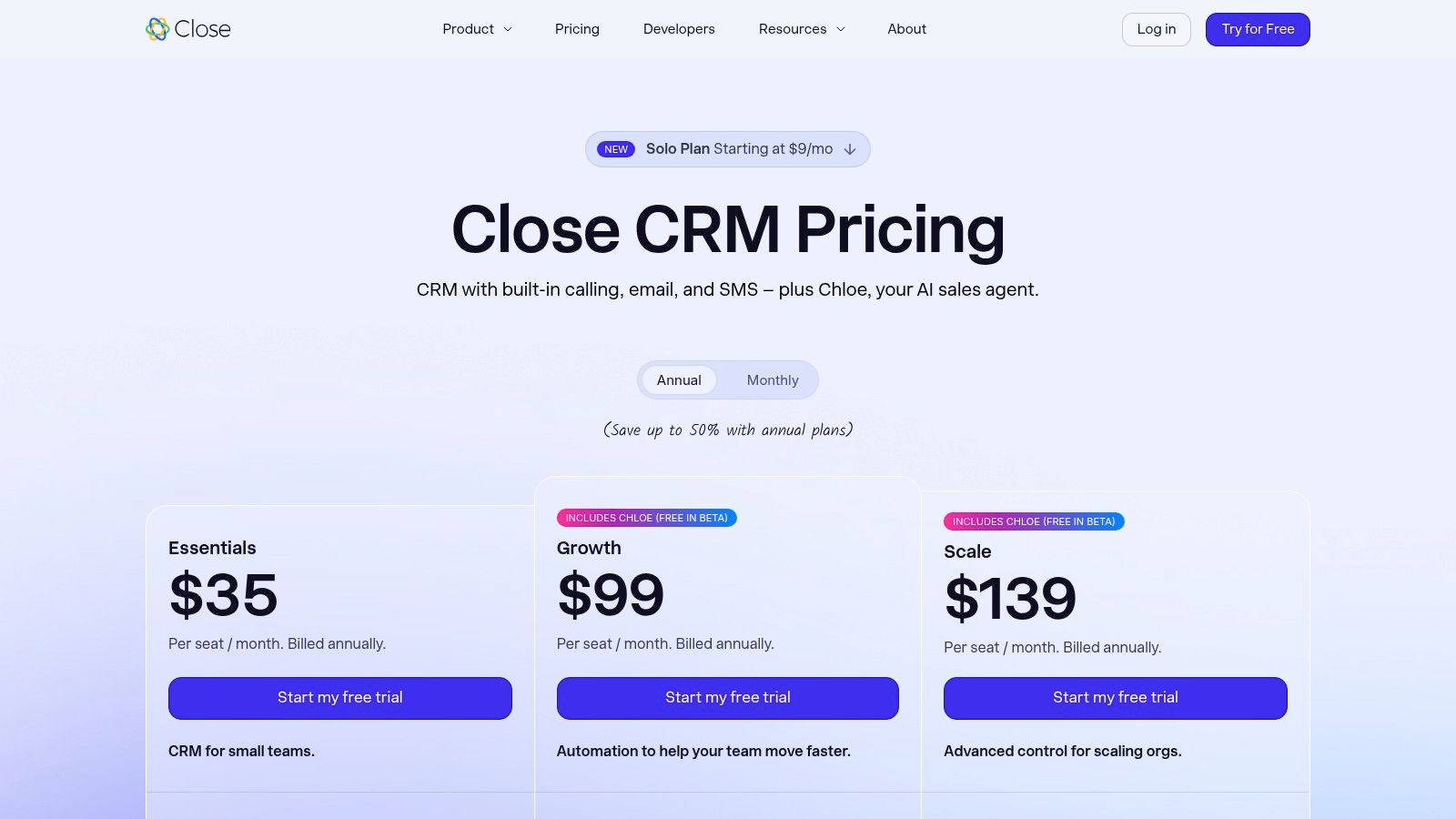
Why phone-heavy teams like it
Close reduces tool sprawl in a specific way. Native calling, texting, power dialers, voicemail drop, task queues, and multi-step email sequences all sit close to the record. That sounds obvious, but it changes rep behavior. When the dialer and CRM are the same workspace, reps log more activity and move faster.
This is especially useful for SMB and mid-market teams where one rep may own sourcing, outreach, follow-up, and qualification. Close supports that blended motion well.
What stands out in day-to-day use:
- Built-in telephony: You don’t need to bolt on a separate calling layer immediately.
- Quick setup: Sales ops can get the team productive without a giant implementation.
- Unified rep workflow: Good for blended phone and email cadences.
Where Close isn’t the best fit
Close is sales-first. If you need extensive marketing automation, customer service workflows, or cross-department lifecycle reporting, it won’t replace a larger suite. Call usage, SMS, and AI extras can also increase cost over time.
For LinkedIn-led prospecting, Close works best as the execution and follow-up hub after initial social touches. I wouldn’t treat it as the place to manage complex social automation logic. Keep LinkedIn tasks simple, push outcomes back into Close, and let the CRM own next-step discipline.
One caution. Teams sometimes overbuild phone-first sequences and underuse account context. If your reps are making high volumes of calls, they still need the right trigger points, not just more dials.
Check current plans at Close pricing.
5. Freshsales
Freshsales sits in a useful middle ground. It gives prospecting teams built-in communications, automation, and AI assistance without the overhead of a heavyweight enterprise CRM. If you want voice, email, and chat under one roof, it’s a credible option.
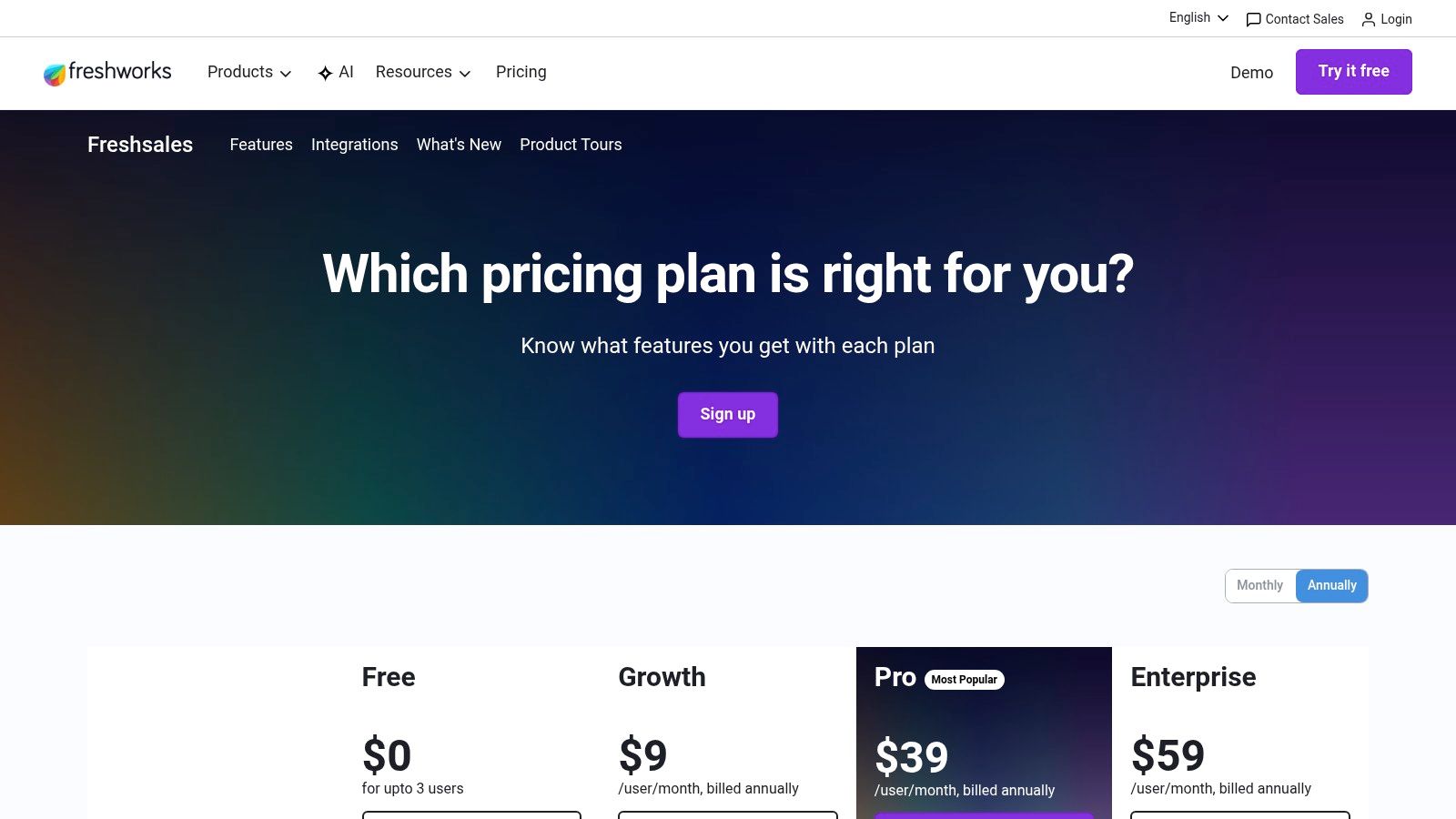
A practical fit for high-velocity teams
Freshsales is usually strongest for teams that want native communication channels without piecing together several tools. Built-in phone, email, chat, sequence support, and auto-assignment help sales managers create a clean first-touch process.
Freddy AI adds scoring and summaries, which can be helpful when reps need cues on what to prioritize next. The value here isn’t magic AI. It’s reducing admin load enough that reps stay focused on outreach.
Reasons teams shortlist it:
- Competitive packaging: You get a lot of core prospecting functionality in one product.
- Low friction setup: Easier to roll out than larger suites.
- Good fit for lean RevOps: Less system administration than more complex platforms.
The limits to know upfront
Freshsales doesn’t have the same ecosystem depth as HubSpot or Salesforce. That affects edge-case integrations and long-term stack flexibility. Advanced analytics also tend to push buyers toward higher tiers.
For multi-channel prospecting, it’s good at the operational middle. It keeps reps organized, helps managers track activity, and avoids some of the bloat of all-in-one suites. But if LinkedIn automation is central to your outbound engine, validate the workflow carefully. The CRM should support the handoff and tracking, not carry unsupported assumptions about what external tools are doing.
Direct plan details are on the Freshsales pricing page.
6. Zoho CRM
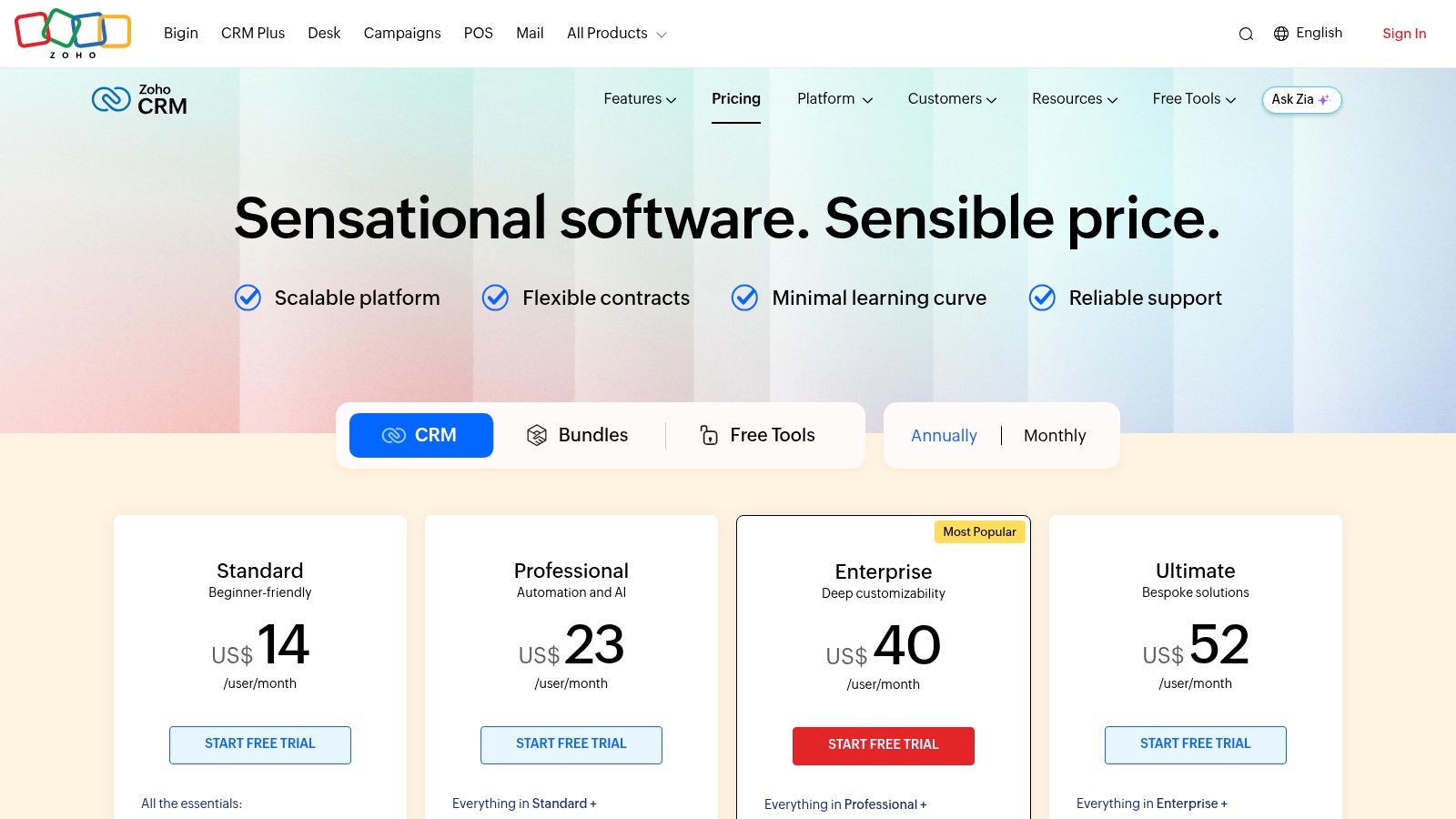
Zoho CRM is the budget-sensitive operator’s choice. It’s feature-rich, customizable, and part of a wider app suite that can cover more of the business over time. For teams that want a lot of control without jumping straight to enterprise pricing, it’s attractive.
Where Zoho punches above its weight
Zoho handles leads, contacts, deals, rules, workflows, scoring, and process blueprints well enough for many SMB and mid-market teams. The native LinkedIn Sales Navigator integration helps if social selling sits inside the rep workflow.
If your company already uses other Zoho apps, the argument gets stronger. You can connect sales activity to finance, support, or operations without stitching together too many vendors.
A few strong points:
- Price-to-feature ratio: Usually one of the better values in this category.
- Customization: Useful for teams that have a defined process.
- Suite potential: Stronger if you want one vendor across several functions.
What slows teams down
Zoho can feel busy. New users sometimes struggle because the interface and admin model expose a lot at once. That flexibility is useful, but it demands discipline. If you don’t define a simple SDR workflow, reps can get buried in options.
The best crm for prospecting isn’t the one with the most settings. It’s the one that keeps reps moving from list to touchpoint to next action with the least friction.
For LinkedIn automation users, Zoho can work, but keep the setup narrow. Sync only the fields that matter for segmentation and personalization. Don’t try to mirror every external signal back into the CRM if reps won’t use it.
Current plans are on the Zoho CRM pricing page.
7. Copper
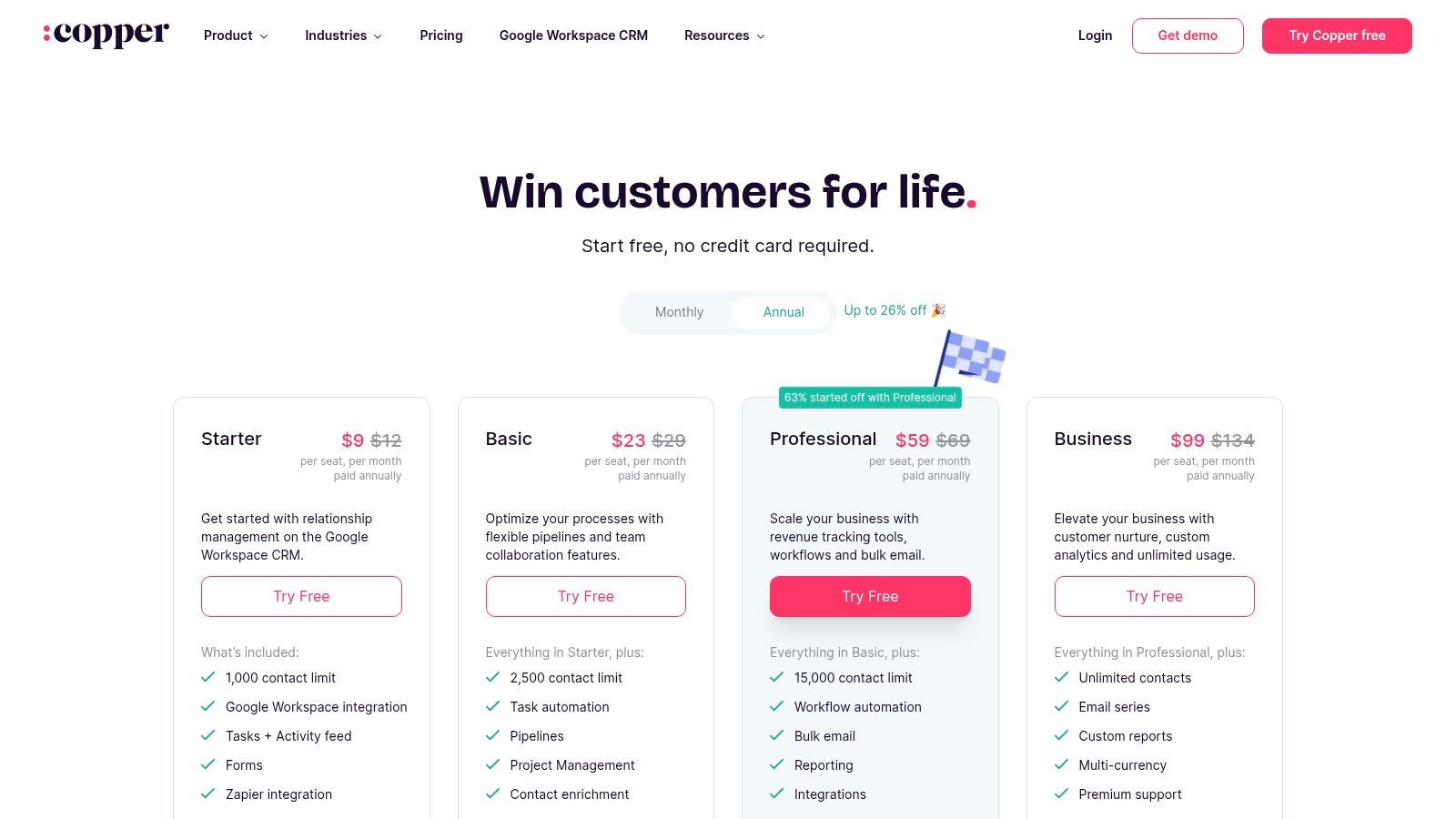
Copper makes sense when your sales team already lives in Gmail, Google Calendar, and Google Sheets. It doesn’t try to be the most expansive CRM. It tries to be the least disruptive one.
Why Google-first teams adopt it quickly
Copper’s strength is familiarity. Contact capture from the inbox, calendar context, lightweight pipelines, and basic automation reduce the “another system to update” problem that kills CRM adoption.
For small prospecting teams, agencies, and founder-led sales motions, that matters a lot. Reps don’t need a big training curve. They just need the CRM to stop being a separate destination.
Copper is a good fit when:
- The inbox is the primary workspace: Reps prospect and follow up mostly from Gmail.
- Admin resources are limited: Setup is relatively simple.
- You want lighter structure: Enough process to stay organized, not so much that it slows people down.
Where Copper can feel too light
If you run complex lead routing, multi-object processes, detailed sequencing, or enterprise-grade reporting, Copper will feel constrained. It’s intentionally opinionated and lighter weight.
That makes it a smart pick for some teams and the wrong pick for others. I like it when the problem is adoption. I don’t like it when leadership expects it to become a strictly governed revenue platform later.
For LinkedIn-heavy outbound, Copper works best as a clean record system for contacts and follow-ups while external tools handle the social motion. Keep the data model simple and resist over-customization.
Review plans at Copper pricing.
8. monday sales CRM
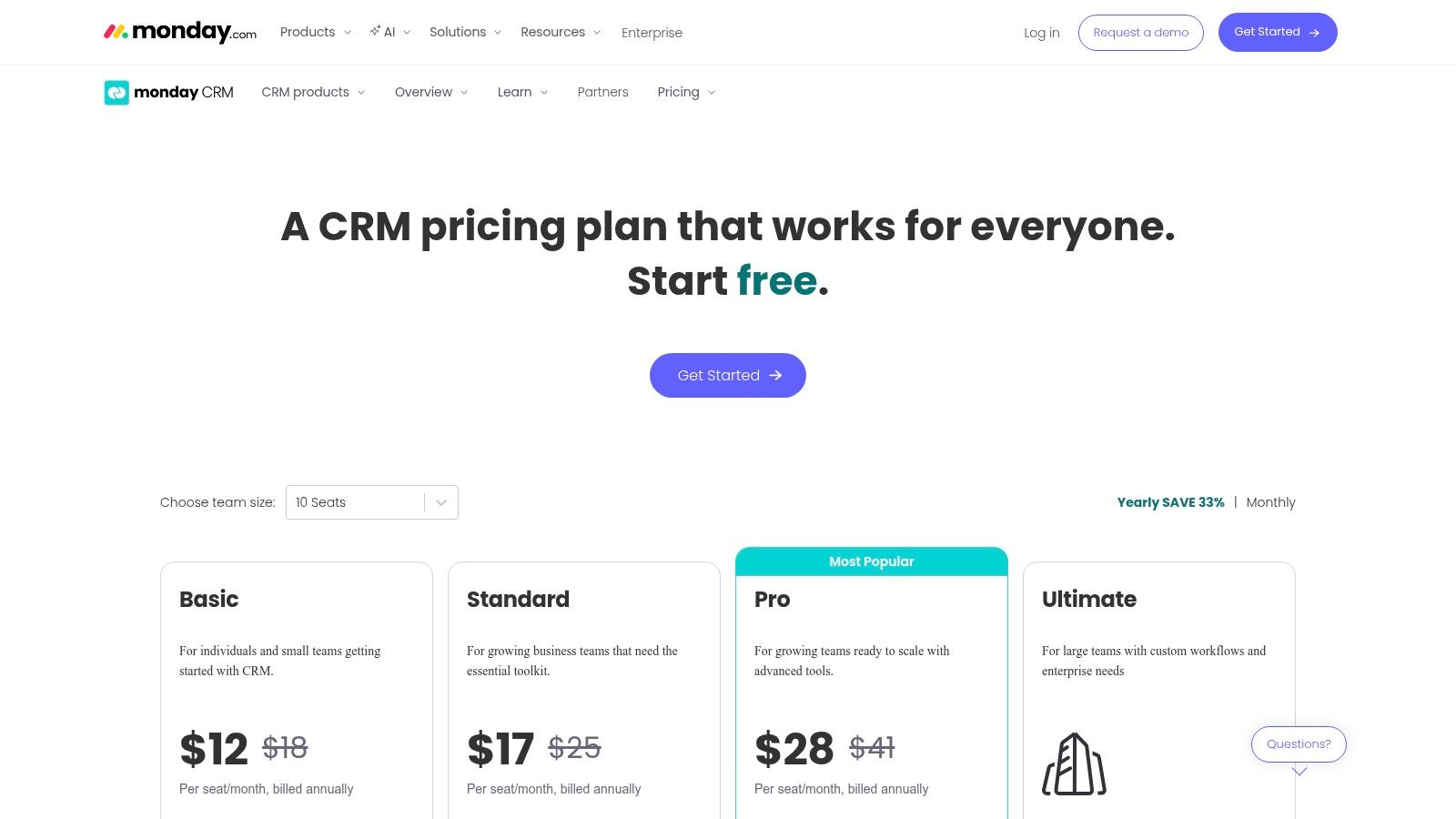
monday sales CRM is a strong choice when your prospecting process doesn’t fit standard CRM layouts. Some teams need account boards, SDR work queues, custom handoff stages, or shared views between sales and ops. monday handles that flexibility better than many traditional CRMs.
Good for teams building around process, not software defaults
The board-based model gives sales leaders a lot of freedom. You can structure lead qualification, prospecting tasks, routing, account progression, and SDR to AE handoff in a way that matches how the team operates.
That’s especially useful when sales is tightly connected to onboarding, fulfillment, or account management. monday can support those handoffs in the same environment instead of forcing a separate project tool.
What it does well:
- Flexible workflow design: Strong when standard pipeline models feel too rigid.
- Visual management: Managers can spot stalled work quickly.
- Cross-team collaboration: Helpful when prospecting touches more than one department.
The caution with monday
Flexibility creates responsibility. If the sales ops team doesn’t define clear stage rules, automations, and field ownership, boards become messy fast. monday can absolutely support prospecting, but it won’t impose discipline for you.
Also, sequencing and calling often depend more on integrations than on native depth. So if you run serious high-volume outbound, validate your engagement stack before committing.
One more point for LinkedIn users. monday is better at orchestrating process than executing social automation. Use it to control ownership, stages, next actions, and dashboards. Let specialized tools handle LinkedIn execution, then feed outcomes back in.
See plans on the monday sales CRM pricing page.
9. Nutshell
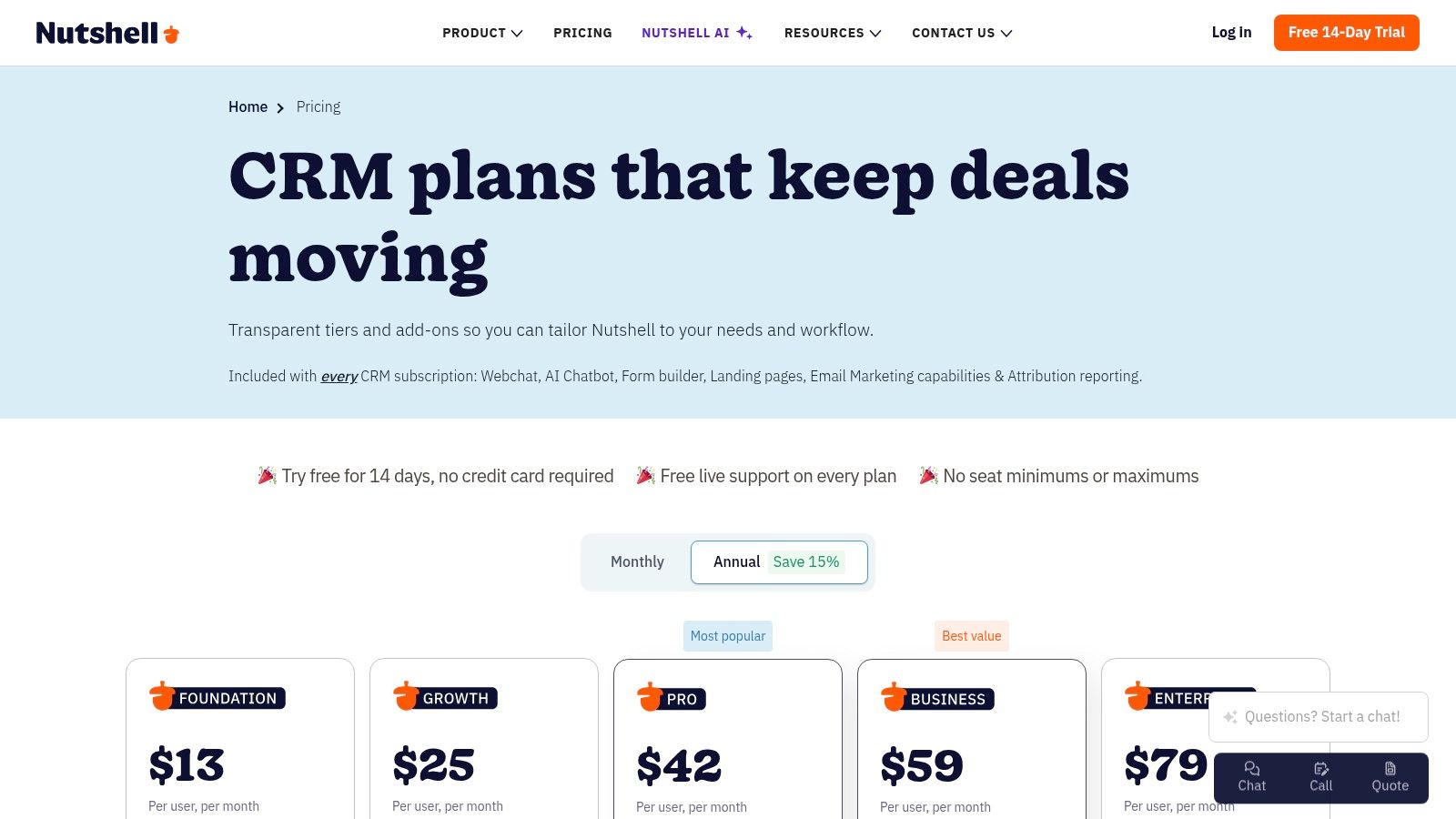
Nutshell is underrated for lean teams that want CRM and basic engagement tools in one place. It’s not trying to outgun enterprise suites. It’s trying to make everyday prospecting manageable without buying five adjacent tools.
Why smaller teams often like it
Nutshell bundles pipelines, automation, email marketing, forms, landing pages, and optional prospecting add-ons in a way that makes sense for small sales teams. If your operation is lean and you’d rather consolidate than optimize every edge case, that’s appealing.
It’s also easier to understand than many larger CRMs. Managers can get visibility. Reps can work the pipeline. Marketing-adjacent tasks don’t automatically require a second platform.
Useful strengths include:
- Consolidation: Fewer tools to buy and maintain.
- Simple setup: Good for teams without dedicated RevOps.
- Transparent packaging: Easier to forecast than highly modular products.
Where the ceiling appears
Nutshell’s ecosystem is smaller, and advanced cadence depth or dialer functionality may require integrations or add-ons. That’s usually fine for a lean team. It becomes limiting when outbound gets more specialized.
For best crm for prospecting discussions, Nutshell belongs in the conversation because many teams don’t need an enterprise machine. They need clean execution, reasonable automation, and fewer moving parts. Nutshell can deliver that if your workflow is straightforward.
If LinkedIn automation is central to your process, test the handoff carefully. Nutshell can store and coordinate outreach status, but it isn’t the product I’d choose to anchor a heavily social, multi-account outbound engine.
Current options are on the Nutshell pricing page.
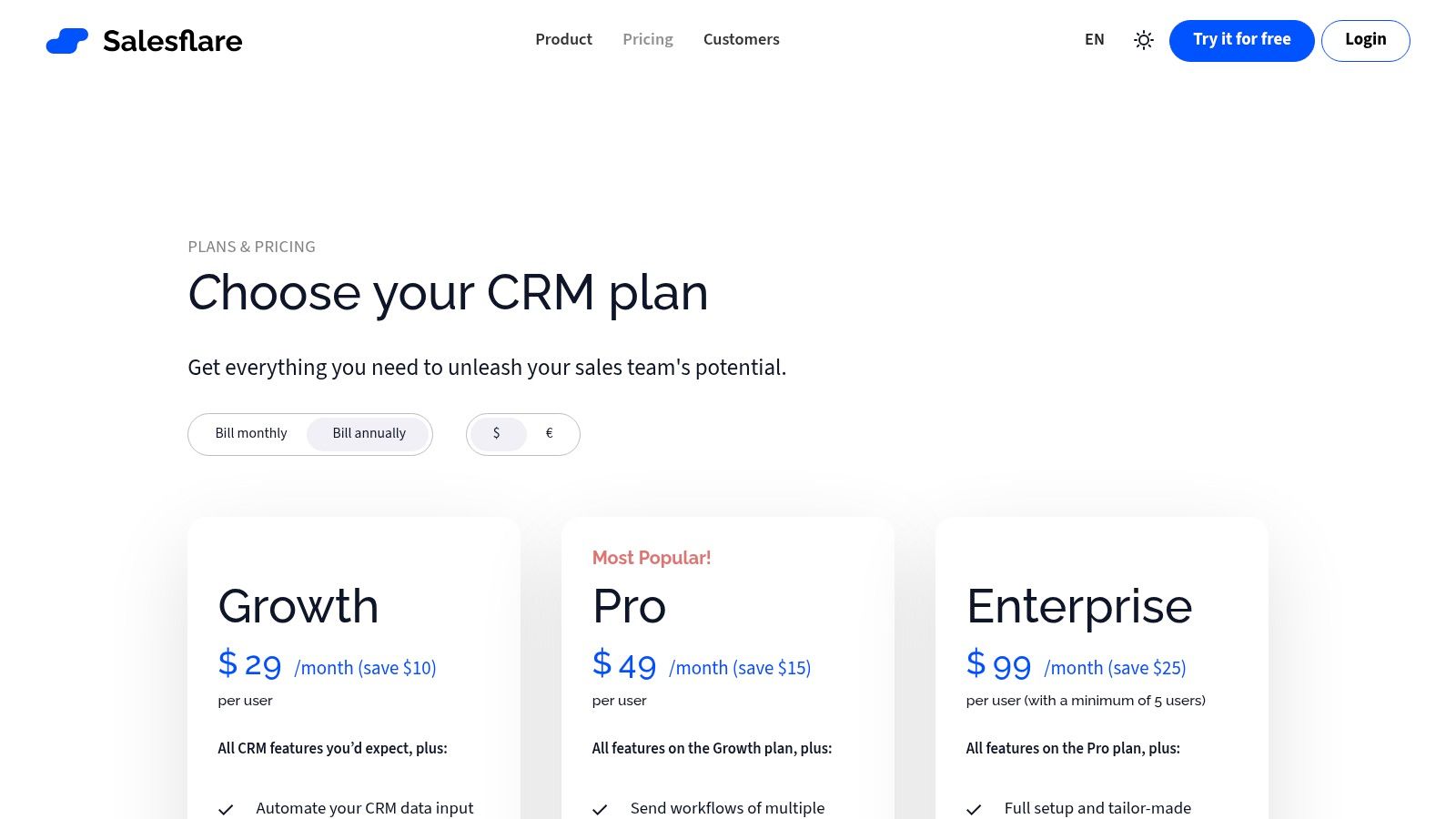
10. Salesflare
Salesflare is one of the better fits for small teams that hate manual CRM entry. If your reps prospect heavily via email and LinkedIn and consistently fail to log activity cleanly, Salesflare solves a problem by capturing more data automatically.
Why automation-first teams consider it
Salesflare pulls contact and company information from email signatures, conversations, and web activity. That means fewer blank fields, fewer half-updated records, and less rep resistance to using the CRM.
For founders, agencies, and small SDR teams, this can be a major operational win. The system helps create the record as the work happens, which is often better than expecting perfect rep hygiene.
Its strongest use cases tend to be:
- Small teams with limited admin support
- Email-first prospecting motions
- LinkedIn plus inbox workflows where reps need less manual entry
What you give up
Salesflare is lighter on enterprise controls, deep integration breadth, and native phone functionality than larger systems. If you need strong permissions, elaborate object structures, or a built-in dialer, this probably isn’t your endpoint.
But for a compact outbound motion, it’s appealing. You get simpler pricing, faster setup, and more automated data capture than many traditional CRMs.
One thing I like in practice is how well it supports consistency for smaller teams. Reps can stay focused on prospecting instead of treating CRM updates as a second job.
Browse plans at Salesflare pricing.
Top 10 CRMs for Prospecting: Quick Feature Comparison
| Product | ✨ Key features | 👥 Target audience | ★ UX/Quality | 💰 Pricing/value | 🏆 Unique selling point |
|---|---|---|---|---|---|
| HubSpot Sales Hub (CRM + sequences) | Sequences, native email/calendar, Sales Navigator app | SDR teams scaling into multi-hub | ★★★★☆ | 💰 Mid-High; onboarding & add-ons | 🏆 Fast time-to-value, large marketplace |
| Salesforce Sales Cloud (+ Sales Engagement) | Territory management, cadences, Einstein AI | Enterprise, large multi-geo sales orgs | ★★★★☆ | 💰 High; many add-ons | 🏆 Deep customisation & compliance |
| Pipedrive | Visual pipelines, LeadBooster, workflow automation | Outbound SDRs, small–mid teams | ★★★★ | 💰 Budget-friendly, transparent tiers | 🏆 Easy adoption & pipeline focus |
| Close | Native VoIP, power/dialers, SMS & voicemail drop | Phone-heavy SMB / mid-market SDR pods | ★★★★ | 💰 Mid; telephony features may cost extra | 🏆 Out-of-the-box calling + sequences |
| Freshsales (Freshworks) | Built-in phone/email/chat, Freddy AI insights | High-velocity prospecting teams | ★★★★ | 💰 Competitive; free tier available | 🏆 Consolidated comms with AI |
| Zoho CRM | Automation, Zia AI, Sales Navigator integration | Cost-conscious SMBs, Zoho One users | ★★★★ | 💰 Strong value; part of suite options | 🏆 Best price-to-feature ratio |
| Copper (Google Workspace CRM) | Gmail/Calendar-native capture, pipelines | Google-first teams & agencies | ★★★ | 💰 Modest; low admin overhead | 🏆 Inbox-native workflow, fast adoption |
| monday sales CRM | Custom boards, automations, templates | Teams needing flexible processes & collaboration | ★★★★ | 💰 Variable; seat bundles & tiers | 🏆 Work OS integration across teams |
| Nutshell | Pipelines, email marketing, landing pages | Lean teams wanting consolidated outreach | ★★★ | 💰 Transparent pricing; add-ons available | 🏆 Native consolidation of prospecting tools |
| Salesflare | Auto-enrichment, email & web capture, LinkedIn sidebar | Small SDR teams & founders (LinkedIn/email heavy) | ★★★★ | 💰 Clear/simple pricing; no contact limits | 🏆 Automation that minimizes manual entry |
Your Next Step From Shortlist to Action
The best crm for prospecting is the one your team will use every day. Not the one with the longest feature matrix. Not the one your board has heard of. Not the one with the most tabs, dashboards, or AI labels. The right choice is the one that fits your outbound motion and removes friction from it.
Start with the motion, not the software category. If your reps are phone-heavy and qualify live, Close or Freshsales may fit better than a broader suite. If your team needs enterprise control, Salesforce belongs on the shortlist. If adoption is the main problem, Pipedrive or Copper may solve more than a heavyweight system. If you want a sales platform that can expand into a wider revenue stack, HubSpot is still one of the safer bets.
Shortlist two or three tools. Don’t evaluate ten in depth. That slows decisions and usually hides the core issue, which is process ambiguity. Before any trial starts, define what good looks like for your team. Usually that means a few core workflows:
- Lead intake and ownership: Who gets the record, how it’s routed, and when it’s accepted.
- First-touch execution: Email, phone, LinkedIn, or a mix.
- Task and sequence discipline: What the rep sees next without relying on memory.
- Handoff clarity: When SDR work ends and AE ownership begins.
- Activity visibility: What managers need to inspect coaching and pipeline health.
Then put reps in the test, not just managers. SDRs will expose friction fast. Watch how many clicks it takes to move from list to outreach. Watch whether LinkedIn research, email logging, call notes, and next steps stay connected. Watch where people start using spreadsheets again. That’s usually where the CRM is failing the workflow.
This matters even more if your team runs LinkedIn as a serious prospecting channel. Generic CRM reviews often ignore the operational gap between “has a Sales Navigator integration” and “supports safe, scalable LinkedIn outreach in practice.” Those aren’t the same thing.
Apollo is a good example of how prospecting buyers now think about CRM-adjacent workflows. It’s often highlighted as one of the best CRMs for prospecting because it combines a large contact database with built-in outreach, including access to over 210 million contacts and 30 million companies. That model is attractive because it reduces tool switching. But it also reinforces a broader lesson. Data, engagement, and CRM workflow need to work together, especially when outbound spans email, phone, and LinkedIn.
The LinkedIn side is where teams get careless. One background analysis of the category argues that many buying guides overlook integration problems with tools like Expandi, Dripify, and PhantomBuster, even though those gaps can create sync issues and outreach risk in scaled campaigns (Integrow’s analysis of prospecting CRM gaps). You don’t need to accept every projection in that write-up to recognize the operational truth. If your CRM, contact source, and LinkedIn execution layer aren’t aligned, reps will invent manual workarounds, and those workarounds always break at scale.
So the next step is simple. Pick a shortlist. Run a workflow test. Validate the LinkedIn handoff, not just email and calling. And choose the CRM that makes clean execution easier for the team you have.
If your prospecting engine depends on LinkedIn, the CRM is only half the stack. BIDVA helps teams run high-volume outreach more safely with verified, ID-verified, warmed-up LinkedIn accounts built for tools like Expandi, Dripify, Waalaxy, PhantomBuster, and LinkedHelper. For agencies, SDR teams, recruiters, and founders protecting their main profiles, that means stronger account trust, cleaner scaling, and a setup that supports the CRM workflows you’ve just shortlisted.