Proxies for LinkedIn A B2B Outreach Guide for 2026

The worst time to think about proxies for LinkedIn is after a restriction lands.
You launch a campaign on a Tuesday morning. Your SDRs have copy loaded, leads segmented, inboxes clear. One warmed-up LinkedIn account carries the best conversion history, the strongest network, and the trust that only time builds. Then LinkedIn throws a verification prompt, limits actions, or blocks access. Outreach stops. Follow-ups stall. Replies cool off. Pipeline momentum disappears in a day.
That is why experienced operators stop treating proxies like a technical add-on. For serious outbound teams, they are part of account protection. They help preserve the identity, stability, and location consistency of the profiles that matter most.
Your LinkedIn Account Is Your Business Not a Toy
A mature LinkedIn account is not just a login. It is accumulated trust.
It holds message history, connection graph, profile age, social proof, and the quiet advantage that comes from looking normal. When a warmed-up account gets restricted, the damage is not limited to one session. Sales activity pauses, recruiter workflows break, and the replacement account never performs the same on day one.
Many teams only learn this after a scare. A rep logs in from one network in the morning, an automation tool touches the account from another environment later, and LinkedIn sees an identity that no longer looks coherent. Even when the actions themselves are moderate, the pattern looks off.
That is why account safety starts before campaign volume. It starts with infrastructure.
What restriction actually costs
The primary loss is rarely the technical inconvenience. It is the interruption.
A restricted account can mean:
- Paused conversations: prospects who were actively replying suddenly go cold.
- Broken sequencing: follow-up logic stops at the worst moment.
- Trust reset: a newer backup profile does not carry the same credibility.
- Team slowdown: operators stop scaling because they no longer trust the setup.
If you have ever searched for recovery steps after a lock, the practical guide on LinkedIn restricted your account for scraping is worth reading because it focuses on what to do after the damage starts, not theory.
Proxies as account insurance
For high-value outreach accounts, a proxy is not mainly about anonymity. It is about consistency.
You want LinkedIn to see one stable account behaving from one believable place through one believable network identity. That matters even more when the account is already productive. Replacing a fresh profile is annoying. Losing a strong, seasoned one is expensive in time and opportunity.
A secure setup also depends on the rest of the environment. Browser profile isolation, login discipline, and activity pacing matter just as much. This practical read on account protection covers that broader side well: /post/linkedin-account-security-2026-protect-scale-outreach
Treat your best LinkedIn profile the way you treat a revenue account in your CRM. Protect it first, scale it second.
Why Proxies Are Essential for LinkedIn Growth
A proxy is easiest to understand as a digital P.O. box for your traffic.
Instead of connecting to LinkedIn directly from your office Wi-Fi, home internet, or shared team network, your browser or automation tool connects through another network identity first. LinkedIn sees that identity. If the setup is clean, stable, and region-appropriate, the account looks more like a normal user and less like a cluster of operators sharing one footprint.
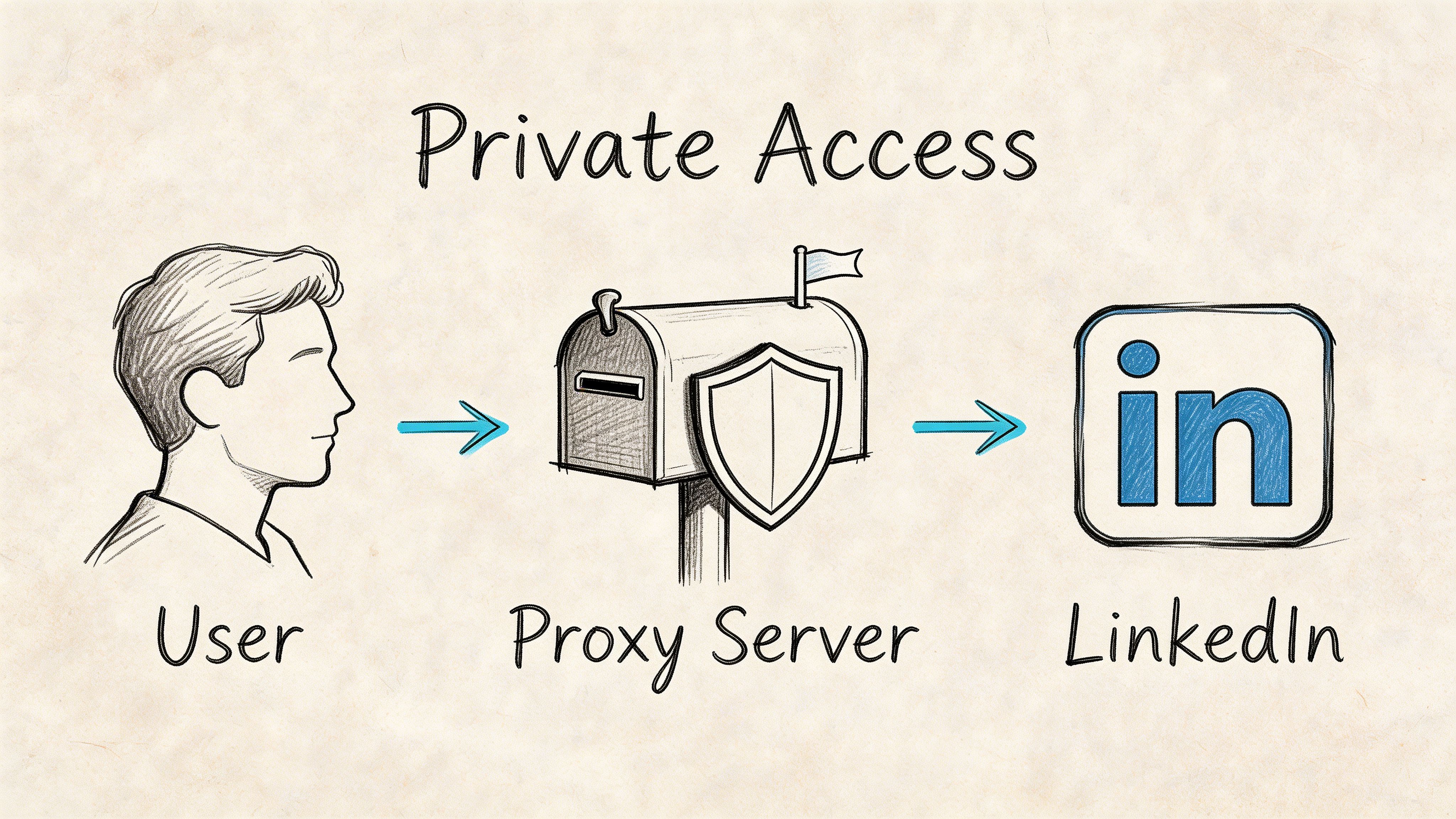
LinkedIn cares about IP behavior because it is trying to stop spam, scraping abuse, and account farms. If multiple accounts hit the platform from the same network identity, especially with repeated patterns, that creates a clear risk signal.
Why this matters in real campaigns
The issue is not just logging in. It is pattern accumulation.
When one IP is used for several accounts, several automation sessions, or several data collection jobs, LinkedIn can connect those actions. That creates unnecessary exposure for profiles that may otherwise be operating safely.
This is why proxies for LinkedIn become essential once you move beyond a single manual account. According to SOAX, LinkedIn’s strict anti-bot measures make proxies indispensable for multi-account management, and leading providers now offer over 191 million residential IPs across 195+ countries with success rates exceeding 99.95%, supporting outreach at scale in major markets while LinkedIn serves 1 billion global users (SOAX).
What proxies help you do safely
Used properly, proxies support three practical goals.
- Separate accounts cleanly: one account gets one network identity, reducing overlap.
- Match location to account reality: a US-facing account should not keep appearing from unrelated regions.
- Protect a core profile: your main personal account should never share risk with testing, scraping, or junior workflows.
The business reason operators adopt them
Many teams do not buy proxies because they love infrastructure. They buy them because restrictions waste selling time.
A rep can recover from bad copy. A team can adjust targeting. But once account trust is damaged, recovery is slower and less predictable. Proxies reduce that exposure by giving each account a more stable operating environment.
That matters even more when you manage outreach across SDRs, founders, recruiters, and client accounts at the same time. Shared office internet may be fine for casual browsing. It is not enough for structured LinkedIn scale.
Comparing Proxy Types for LinkedIn Safety
Once you decide to use proxies, the next mistake is choosing the wrong kind.
For LinkedIn, proxy type changes everything. Trust level, session stability, speed, and risk are not equal across the market. A setup that works for general web tasks can be a bad fit for a warmed-up account.
The quick comparison
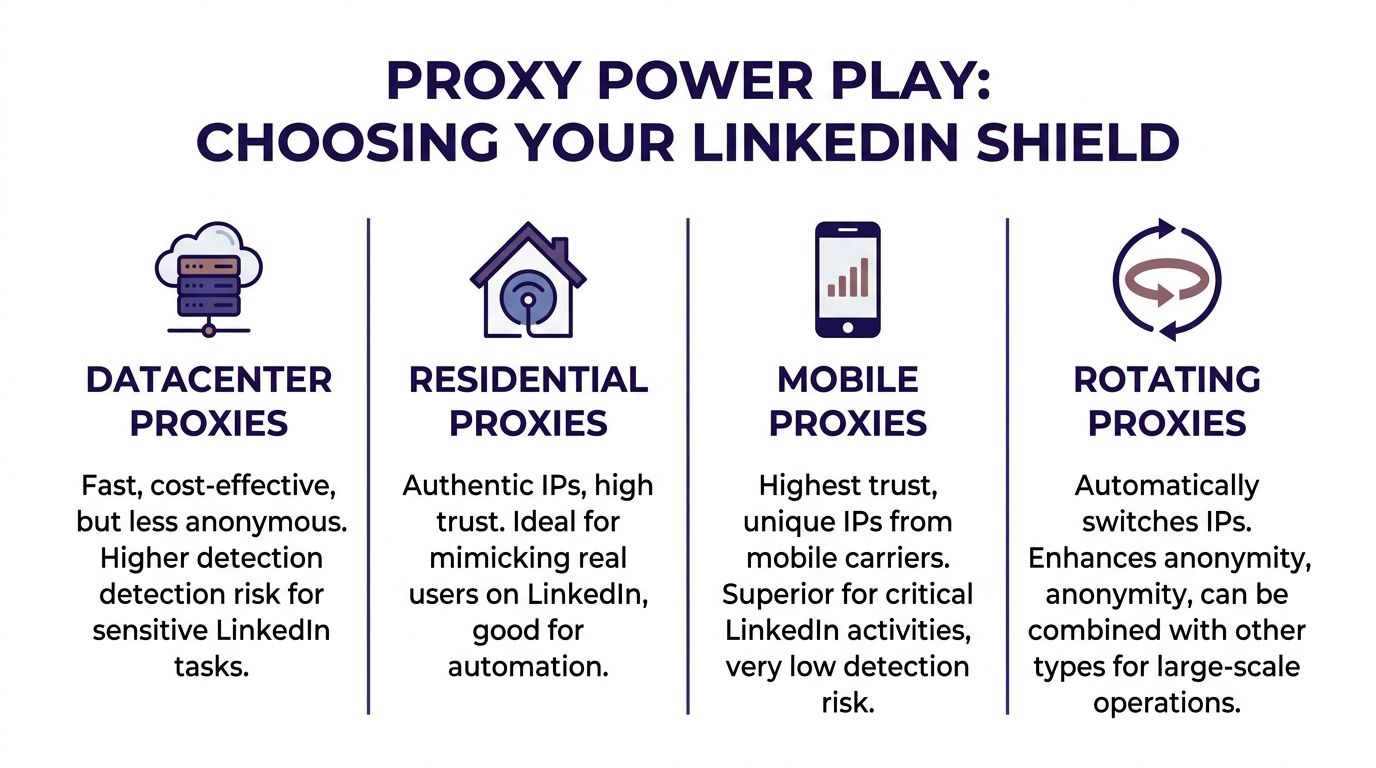
| Proxy Type | Trust Score | Best For | Primary Downside |
|---|---|---|---|
| Datacenter | Low for LinkedIn | Low-risk technical tasks outside core account management | Easy to detect |
| Residential | High | Rotating identity for scraping and broad outreach support | Less stable than static options |
| ISP | High | Long sessions, account management, automation | Costs more than basic options |
| Mobile | Highest | VIP accounts and maximum protection | Expensive and heavier to manage |
Datacenter proxies are the trap
Datacenter proxies look attractive because they are usually fast and easy to buy.
They are also the wrong choice for most serious LinkedIn work. LinkedHelper reports that datacenter proxies fail in 87% of cases for LinkedIn automation, while residential, mobile, and ISP proxies achieve 97-99.99% success rates across 195+ locations (LinkedHelper).
That gap matters in practice because datacenter IP ranges are easier to classify. They do not look like normal residential internet use, so they attract scrutiny faster. For scraping experiments or disposable tasks, some operators still test them. For a valuable account, they are not worth the risk.
Residential proxies are the workhorse
Residential proxies route traffic through real residential ISP identities. That gives them a more believable footprint.
They are useful when you need scale with rotation, especially for research workflows, market mapping, public data collection, or broad campaign support. They can also work for account operations if the provider offers sticky sessions and the IP quality is clean.
Where they struggle is predictability. If your use case depends on one account returning to one steady identity over long sessions, rotating residential can become awkward.
ISP proxies fit account management best
ISP proxies, often called static residential, are where many experienced LinkedIn operators settle.
They combine two things that matter for warmed-up accounts: the legitimacy of residential association and the session stability teams need for browser-based work or automation tools. They are usually the cleanest fit when an SDR, recruiter, or founder account needs a stable home.
This is also why ISP proxies pair well with tools such as Expandi, PhantomBuster, Dripify, and LinkedHelper. Long-lived sessions are easier to manage when the account identity does not keep shifting.
If the account is valuable and active, prioritize session stability over bargain pricing.
Mobile proxies are the premium safety layer
Mobile proxies sit at the top of the trust ladder for sensitive LinkedIn use.
They benefit from carrier-grade network behavior, which makes the traffic pattern look very natural. That is why operators reserve them for the accounts they cannot afford to lose, such as founder profiles, executive accounts, or flagship profiles driving the best conversations.
They are not always the first choice for every seat because cost and workflow complexity are higher. But for maximum protection, they stand apart.
How to think about the trade-off
The practical ranking is simple:
- Mobile for highest-value accounts.
- ISP for daily account management and steady automation.
- Residential for rotation-heavy tasks and broader data work.
- Datacenter only if the task is low-value and not tied to account safety.
Cheap proxies are expensive when they burn a good account. LinkedIn outreach rewards durability more than short-term savings.
How to Choose the Right Proxy for Your Campaign
Proxy selection gets easier when you stop asking, “What is the best proxy?” and start asking, “What am I protecting?”
The right answer depends on the task, the account value, and how much instability the workflow can tolerate. A scraping job, a team of SDRs, and a founder’s flagship profile should not run on the same logic.
If you are scraping or collecting market data
Use rotating residential proxies.
They are better suited to tasks where identity changes are part of the workflow. If you are gathering public company data, mapping talent pools, or pulling job and profile signals at scale, rotation helps spread requests so one IP does not absorb all the load.
This is not where you park your best account. It is where you isolate research activity from it.
If you manage outreach accounts every day
Use ISP proxies for the accounts that log in regularly through browser profiles and automation tools.
This is the best middle ground for agencies, SDR teams, and recruiters who need consistency. The account gets one believable network identity. The session can stay stable. The operator can come back tomorrow without making LinkedIn reevaluate a completely different login pattern.
For most production outreach systems, this is the default choice.
If you are protecting a founder or executive profile
Use mobile proxies.
A high-trust personal profile is harder to replace than a standard outreach seat. It usually carries stronger acceptance rates, better reply quality, and more brand equity. That profile deserves the safest environment available.
AImultiple notes that for highest-value accounts, mobile proxies slash block risk by over 90% compared to residential proxies because of CGNAT behavior, where thousands of mobile users share one IP, making individual automation harder to isolate (AImultiple).
That is why mobile proxies are the right answer for cornerstone accounts, even when they are not the cheapest answer.
Match proxy quality to account value
A practical decision model looks like this:
- Low-value research workflow: rotating residential
- Core SDR or recruiter seat: ISP
- Executive, founder, or best-performing account: mobile
This mindset prevents a common mistake. Teams often spend more on software than on the account environment itself, then run valuable profiles on weak infrastructure. The order should be reversed. Protect the asset first. Then layer automation on top.
Two rules that simplify selection
Keep the geography believable
If an account presents as US-based, keep its network presence aligned with that identity. The same applies to EU-focused accounts. Consistency matters more than novelty.
Avoid mixing use cases on one proxy
Do not use the same proxy for scraping jobs and for a high-trust account. Separate environments keep risk contained. When one workflow gets noisy, the other stays clean.
Good proxy strategy is not about maximum complexity. It is about giving each account the right level of cover for the job it does.
Configuring Proxies with Automation Tools and Browsers
Setup quality matters as much as proxy quality.
A clean proxy can still produce a messy LinkedIn footprint if the browser profile, time zone, and automation tool are configured carelessly. Most restrictions blamed on “bad proxies” are really identity mismatches.
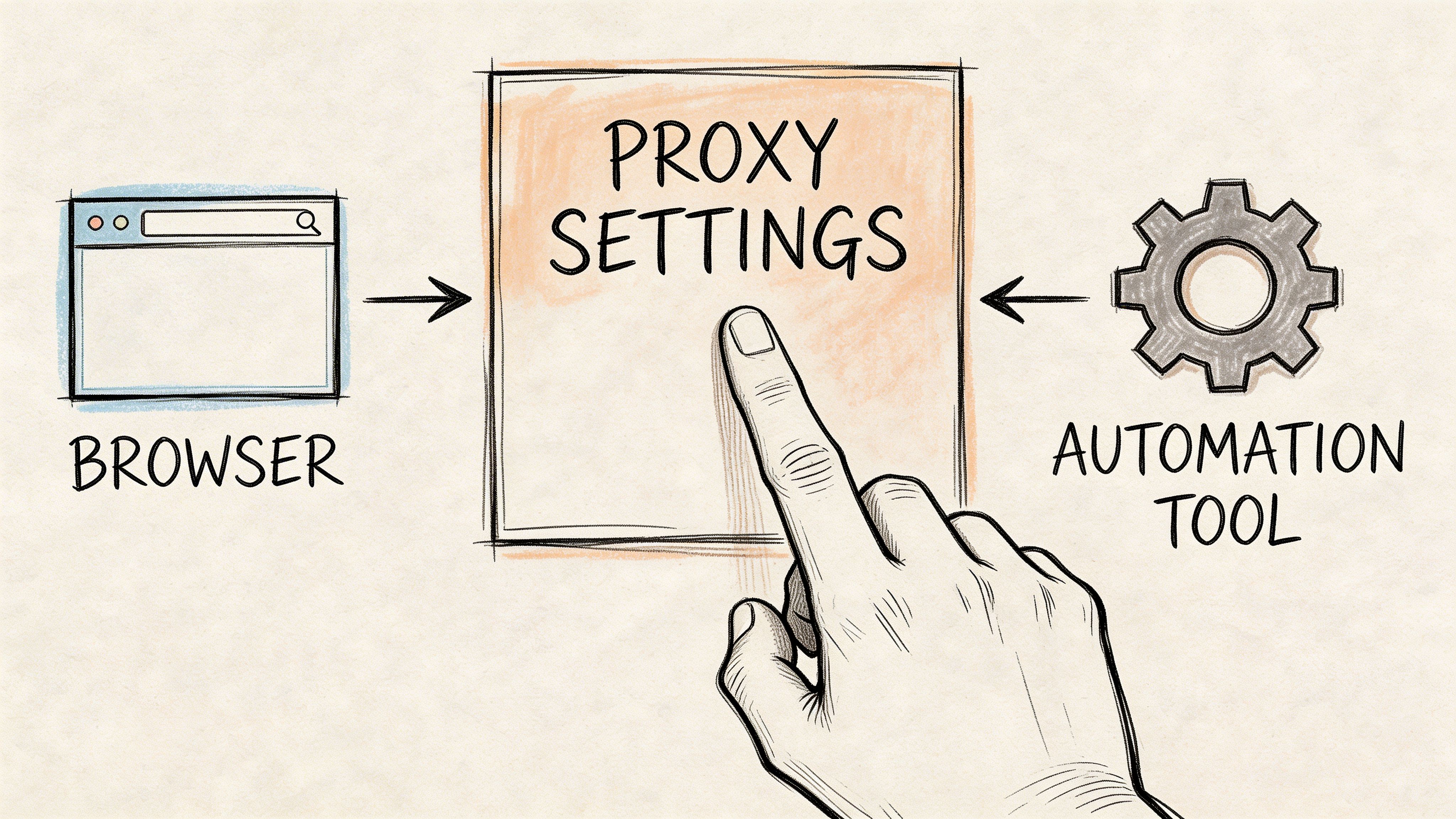
Start with an isolated browser profile
Use an anti-detect or profile-isolated browser such as GoLogin or Multilogin. This is the first layer.
Each LinkedIn account should live inside its own browser profile with its own cookies, session history, language settings, and proxy assignment. If you run multiple accounts from one device, this separation is not optional.
A practical walkthrough on multi-account setup is here: /post/how-to-manage-multiple-linkedin-accounts-from-1-device
Use the right proxy session type
For account management, choose a static or sticky session.
That gives LinkedIn one stable identity to observe over time. Rotating sessions are more useful for scraping or broad research tasks, not for logging into the same outreach account repeatedly.
When adding the proxy to the browser profile or tool, you will usually choose one of two auth methods:
- Username and password authentication: common with proxy dashboards and easy to move between machines.
- IP whitelisting: useful in fixed environments, but less flexible if your operator location changes.
Match the proxy to the account identity
Configuration should support the story the account already tells.
- Location: use a proxy in the same country or region as the account
- Timezone: align browser time with proxy geography
- Language: keep browser language believable for the account
- Session discipline: do not bounce the same account between direct login, VPN, and proxy use
These details matter because LinkedIn does not evaluate one signal in isolation.
Connect your automation tool carefully
Tools like Expandi, Dripify, Waalaxy, PhantomBuster, and LinkedHelper generally support proxy-based workflows. The safe pattern is simple. Test inside the browser first, confirm that the account logs in normally, then connect the same environment to the tool.
If you are still comparing software, this roundup of best LinkedIn automation tools is useful because it frames the tools by use case instead of hype.
Before you scale, watch a practical setup example:
A clean implementation sequence
- Create one browser profile per account
- Assign one proxy to that profile
- Verify location, timezone, and language
- Log in manually and check account stability
- Only then connect Expandi, Dripify, Waalaxy, or another tool
- Start slow and watch for verification prompts or unusual friction
If the browser profile and proxy do not tell the same location story, LinkedIn notices the contradiction before your campaign even gets going.
Best Practices for Risk Mitigation and Compliance
Proxies reduce exposure. They do not excuse sloppy behavior.
Teams get into trouble when they assume infrastructure alone makes automation safe. In reality, LinkedIn judges the whole pattern. Network identity, browser fingerprint, activity timing, session consistency, and outreach quality all stack together.
Keep behavior boring
The safest accounts look ordinary.
That means logging in from a stable environment, sending outreach at a human pace, and avoiding abrupt changes in schedule or workflow. Even a strong proxy setup can come under pressure if the account suddenly starts acting like a machine.
Three habits matter most:
- Warm up gradually: even a good account should not jump straight into aggressive automation.
- Respect pacing: connection requests, follow-ups, and profile views should rise carefully, not spike.
- Maintain one identity path: do not run the same account from multiple proxy setups or devices at once.
Separate recovery from scaling
If LinkedIn asks for verification, slows actions, or shows unusual prompts, stop activity first.
Do not “push through” warnings. That usually compounds the problem. Pause the tool, review the browser profile, confirm the proxy assignment, and let the account settle before trying again.
This workflow mindset is captured well in this practical guide to reducing restrictions: /post/safe-linkedin-automation-workflow-reduces-ban-risk-2026
Stay careful with scraping versus outreach
Outreach and scraping carry different risk profiles.
Manual outreach supported by a stable account environment is one thing. Heavy collection workflows are noisier and should be isolated from valuable profiles. Teams that mix both inside the same account environment create avoidable contamination.
The compliance side is straightforward. Follow platform rules as closely as possible, keep data handling professional, and avoid activity patterns that look deceptive or abusive. Good operators do not try to beat detection with chaos. They reduce risk by making the whole operating picture more coherent.
The safest long-term strategy is not stealth for its own sake. It is consistency that looks like real professional use.
A Troubleshooting Checklist for LinkedIn Proxies
When a proxy issue appears, panic causes more damage than the error itself.
Most problems fall into a short list. The key is to stop changing ten variables at once. Check one layer at a time: proxy, browser profile, account behavior, then tool connection.
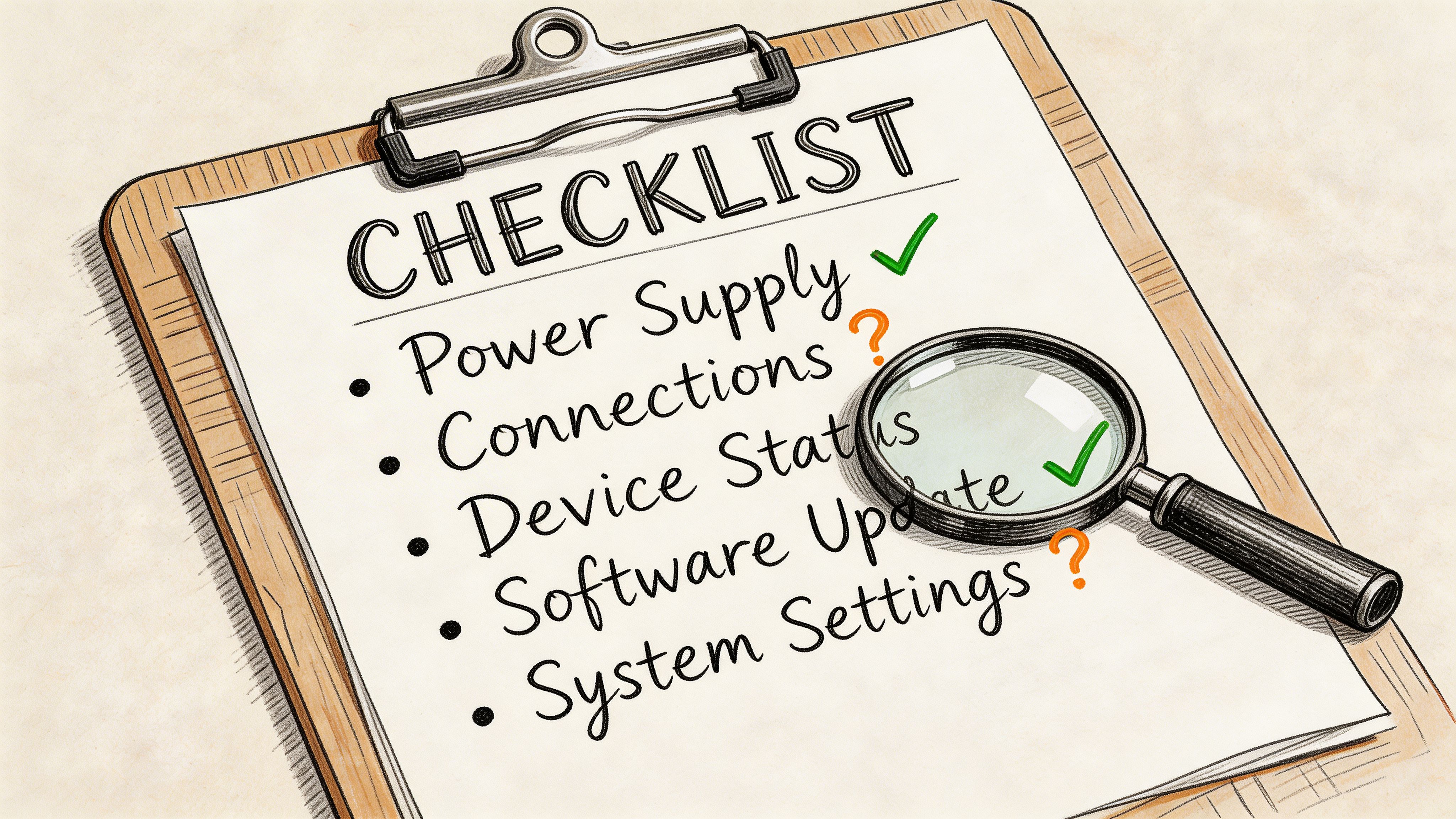
If the proxy will not connect
Run these checks first:
- Credentials: confirm the username, password, host, and port were copied correctly from the provider dashboard.
- Authentication method: if you switched from user-pass auth to IP whitelist, make sure the environment matches the new method.
- Provider status: test another assigned proxy or check the provider panel for an outage.
- Browser-only test: open the browser profile without the automation tool attached and see if the proxy works there.
If the browser cannot connect, the problem is usually infrastructure. If the browser works and the tool fails, the problem is usually tool configuration.
If LinkedIn asks for verification
Slow down immediately.
- Pause automation: stop all scheduled actions.
- Check location consistency: compare the browser timezone, account country, and proxy geography.
- Review recent changes: new device, new proxy, shared login, or sudden activity increases are common triggers.
- Let the account cool off: avoid repeated login attempts from different environments.
Verification prompts do not always mean the account is lost. They often mean LinkedIn wants a more coherent identity pattern.
If the proxy works in the browser but not in the tool
This usually points to a mismatch between tool settings and browser settings.
Check for:
- Wrong protocol selection
- Separate proxy field left blank inside the automation platform
- Old session tokens inside the tool
- Tool operating from a different machine or profile than the one you tested
If LinkedIn flags a location mismatch
Do not ignore it.
A location mismatch often comes from switching proxies too quickly or assigning a proxy that does not fit the account’s normal geography. The fix is usually simple. Revert to the stable, expected region and stop moving the account around.
The rule during any issue
Make fewer changes, not more.
One clean correction is better than cycling through three proxies, two browsers, and a direct login in the same afternoon. Most account damage happens during frantic troubleshooting, not during the first warning.
Frequently Asked Questions About LinkedIn Proxies
Do I need a proxy for one LinkedIn account
Not always.
If you run one account manually from one stable environment, you may not need one. The need becomes stronger when you manage multiple accounts, use automation, work across regions, or want to protect a high-value profile from shared network exposure.
Are free proxies worth trying
No.
For LinkedIn, free proxies usually create more risk than value. Reliability is poor, identity quality is questionable, and you have no control over who else used that IP before you.
Should every account have its own proxy
Yes, in practice that is the safest operating model.
One proxy per account keeps identities separated. It also makes troubleshooting much easier because you can isolate issues without cross-contaminating other profiles.
Can I switch a proxy on an existing account
You can, but do it carefully.
Switch only when necessary, keep the new location believable, and avoid flipping between multiple network identities in a short period. Sudden changes create the kind of inconsistency LinkedIn notices.
Are mobile proxies always the best choice
They are the best choice for the most valuable accounts, not always for every workflow.
If you are protecting an executive profile or a flagship account, mobile makes sense. If you are running standard daily outreach across a team, ISP proxies are often the more practical fit.
Do proxies replace good outreach behavior
No.
They support account safety. They do not fix weak targeting, spammy copy, or reckless activity pacing. A good setup protects a disciplined workflow. It does not rescue a careless one.
If you need high-trust LinkedIn assets to pair with a safe proxy setup, BIDVA provides real, ID-verified, warmed-up accounts built for outreach teams that care about durability, account safety, and full control.